Here are some resources to help you set up thunderbird email
You can also get assistance from Hurricane Electric by calling 510-580-4100.
Go to https://www.thunderbird.net/en-US/
Click on Download 
Go to downloads 
Click on the thunderbird download 
Do you want to allow this app to make changes to your device? YES
Click on next
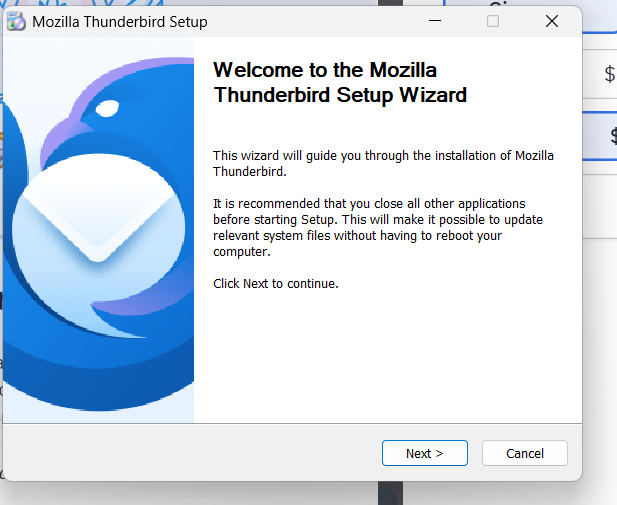
Standard, next
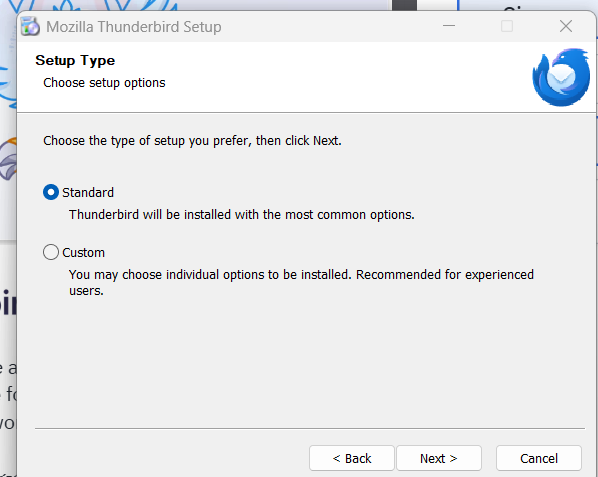
Install
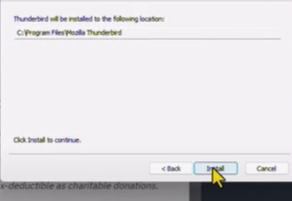
Finish
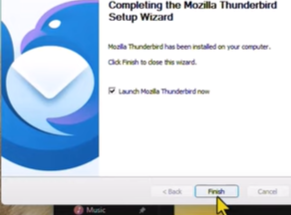
Open the application.
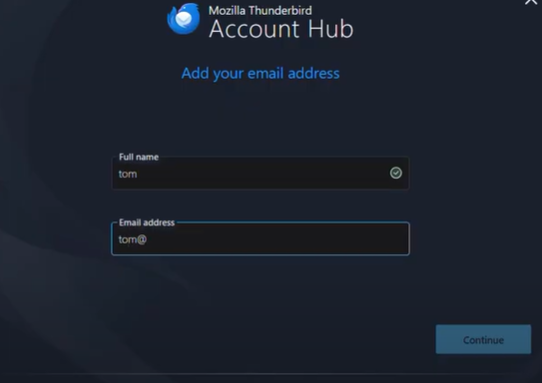
Enter your name and email address, click continue.
Here you will make sure IMAP is selected.
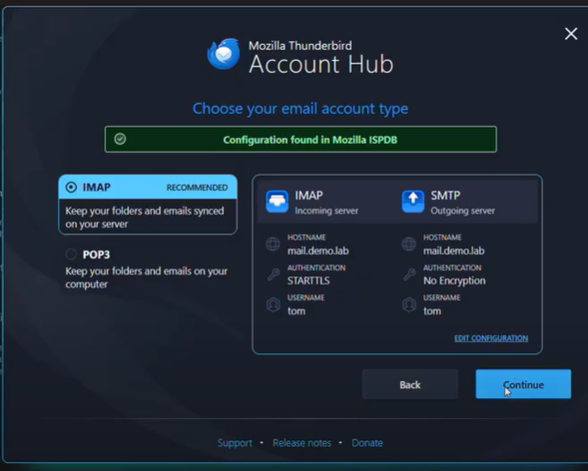
Click on EDIT CONFIGURATION
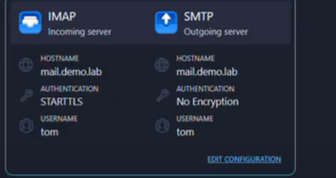
The settings for Incoming:
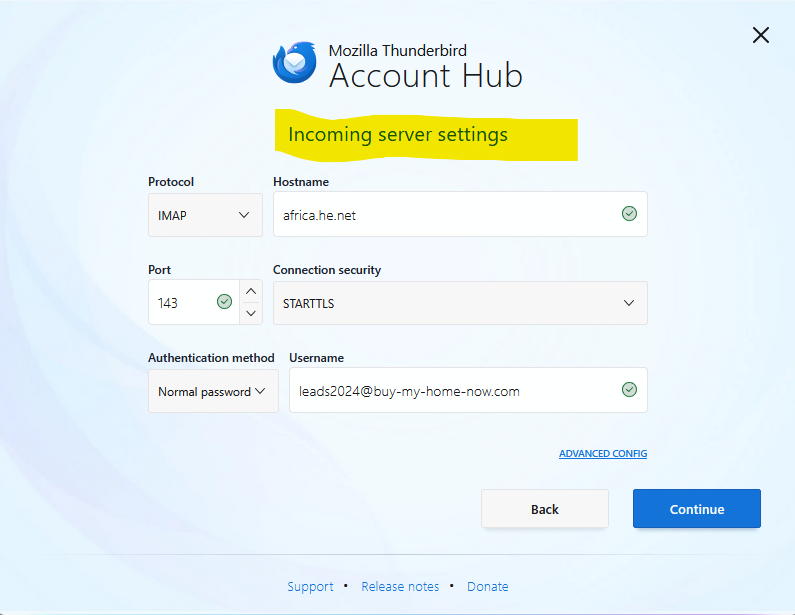
Protocol: IMAP | Hostname: africa.he.net
Port: 143 | Connection Security: STARTTLS
Authentication method: Normal password | Username: is the email for the site moc.e1781139906manet1781139906is@42178113990602sda1781139906el1781139906
Setting for outgoing:
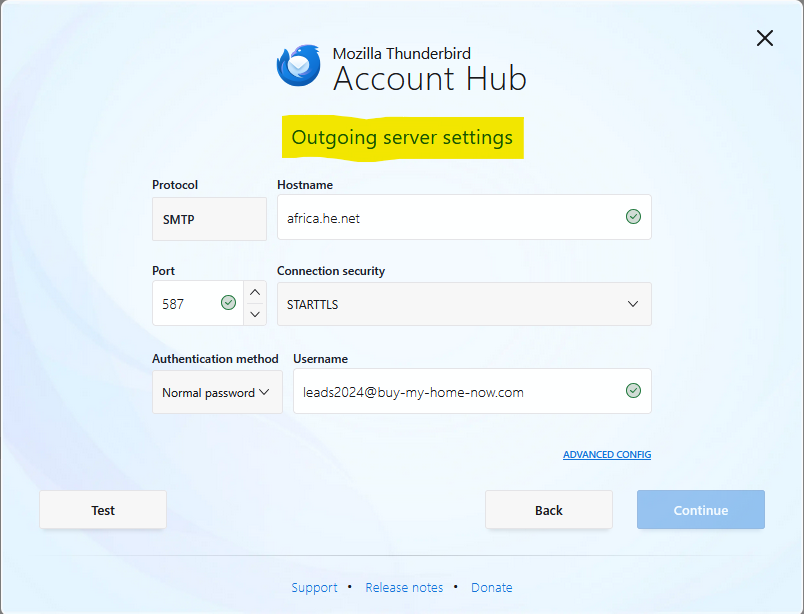
Protocol: SMTP | Hostname: africa.he.net
Port: 587 | Connection Security: STARTTLS
Authentication method: Normal password | Username: is the email for the site moc.e1781139906manet1781139906is@42178113990602sda1781139906el1781139906
***May need to hit test before you can click continue
Enter your password, make sure remember password is checked. Click continue.
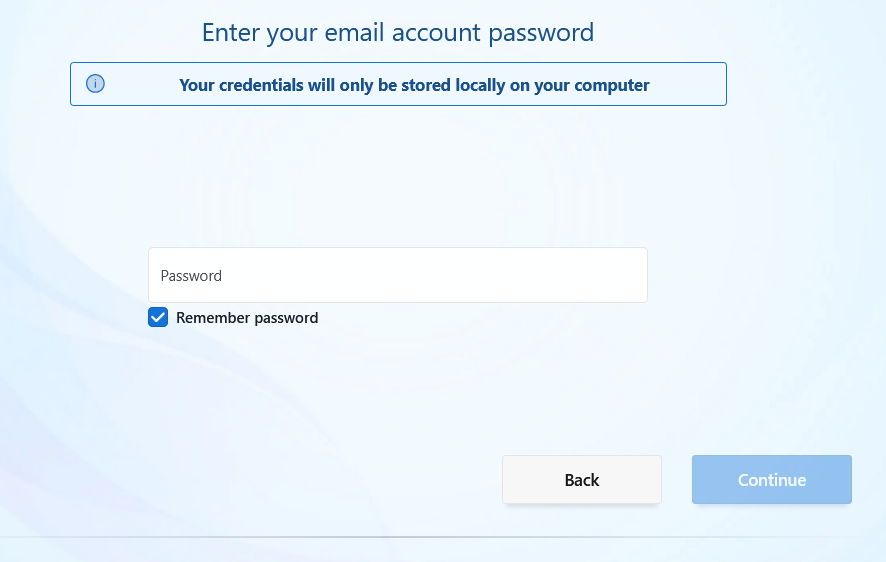
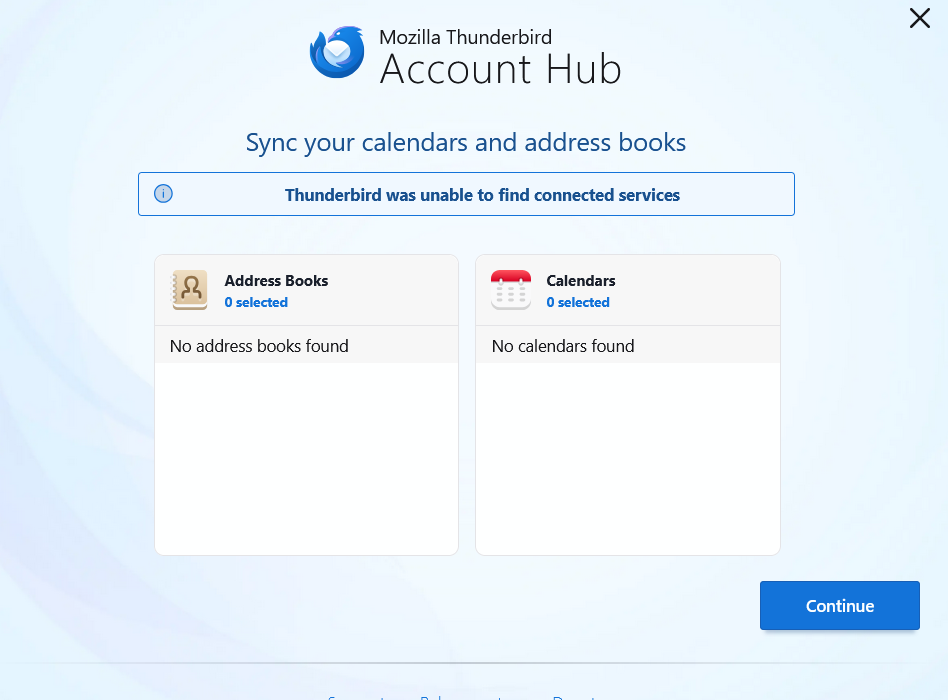
Click continue
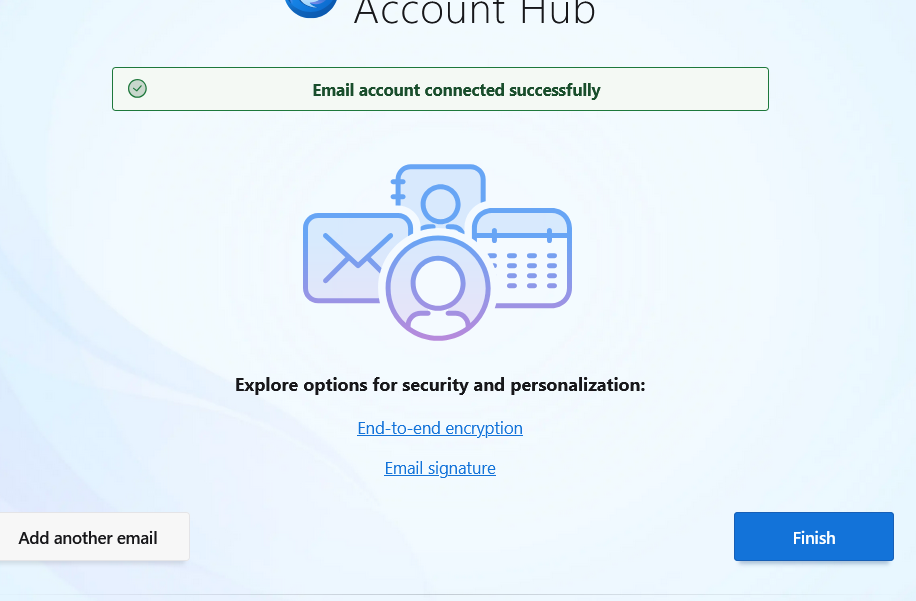
Click Finish